
Markdown syntax
Everything gpt_markdown renders: Markdown, GitHub alerts, tables, maths, footnotes and HTML.
| Syntax | |
|---|---|
| Headings | # to ###### (closing #s optional), and Title underlined with === or --- |
| Emphasis | **bold**, *italic*, __bold__, _italic_, ~~strike~~, <u>underline</u> |
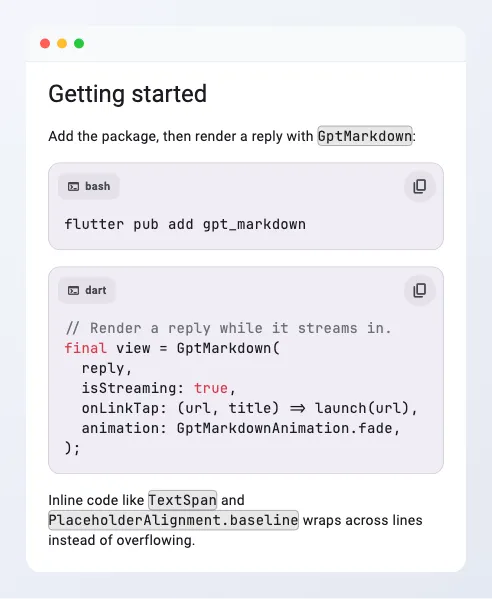
| Code | `inline`, `` with ` inside ``, highlighted ``` and ~~~ fences |
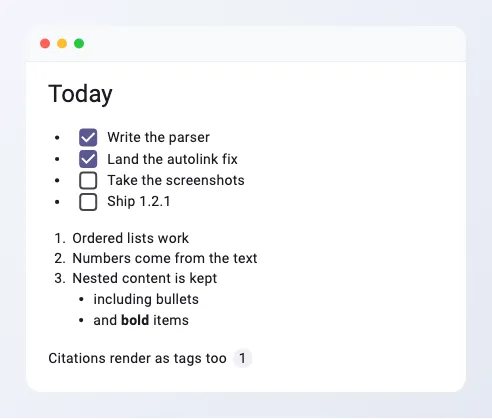
| Lists | -, 1., nested |
| Tasks | - [x], - [ ] |
| Options | (x), ( ) |
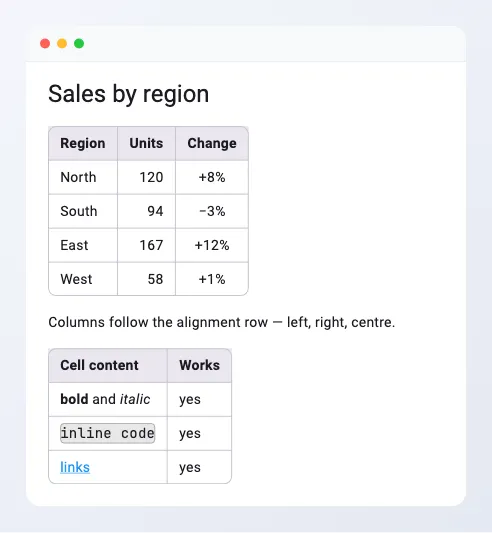
| Tables | with :---: alignment |
| Quotes | > |
| Rules | --- |
| Links | [label](url "title"), [label](<url with spaces>), [label][ref] with [ref]: url, and bare URLs |
| Images | , ![alt][ref], and as a link: [](url) — PNG, JPEG, GIF, WebP and SVG |
| Maths | \( inline \), \[ block \], and $…$ / $$…$$ with useDollarSignsForLatex |
| Citations | [1] — with a [1]: url line, a tap opens the URL |
| Footnotes | text[^1] with [^1]: note |
| Alerts | > [!NOTE], [!TIP], [!IMPORTANT], [!WARNING], [!CAUTION] as a quote’s first line — see AlertStyle |
| Escapes | \*, \_, \#, \$, … show the character itself |
| Entities | &, , ©, 😀 |
| Comments | <!-- hidden --> |
| HTML | <b>, <i>, <code>, <br>, <a href>, <img src>, <div> wrappers — the full list; add your own with htmlTags |
Bare URLs, www. hosts, email addresses and <https://…> are linked
automatically — see inline syntax.
What it looks like
Section titled “What it looks like”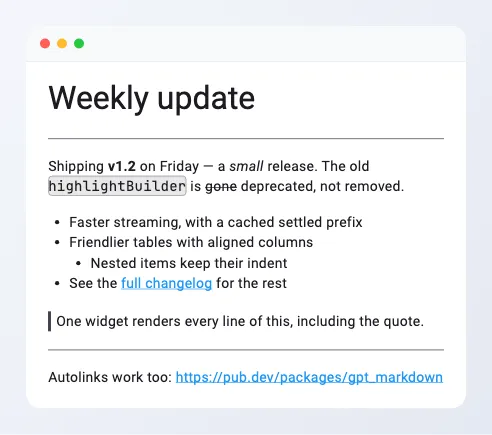
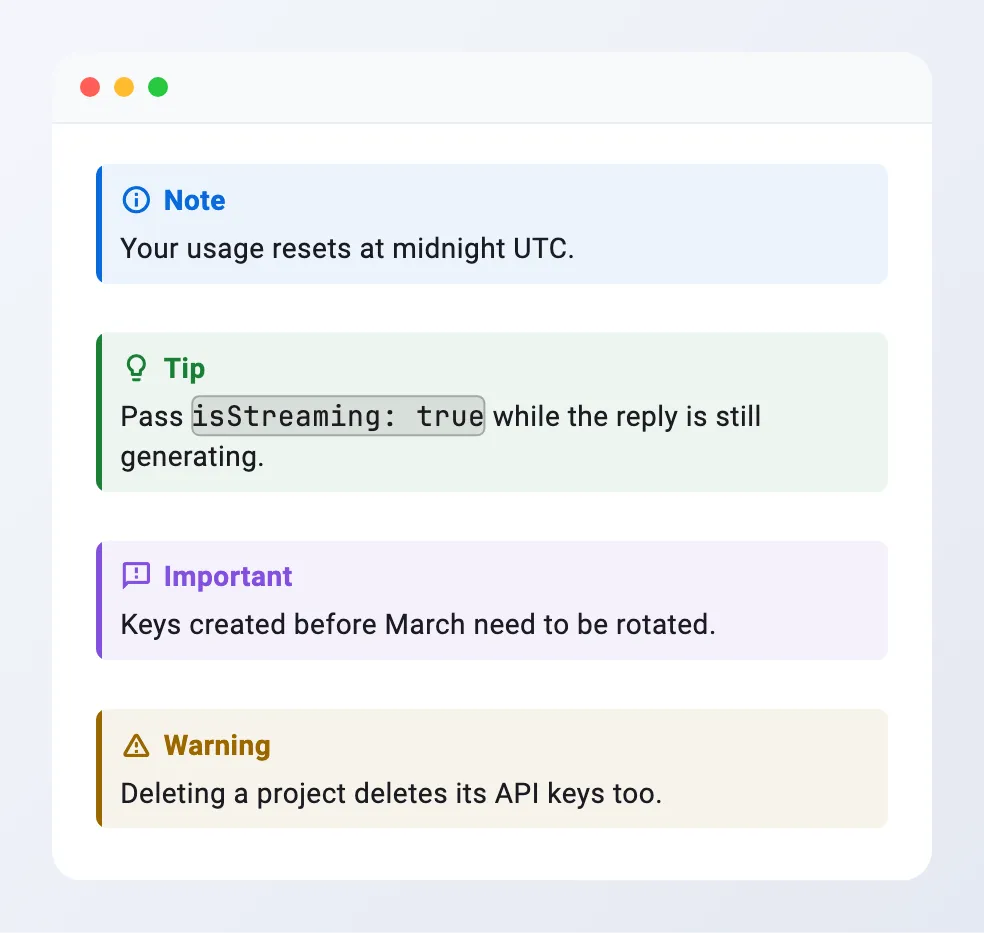
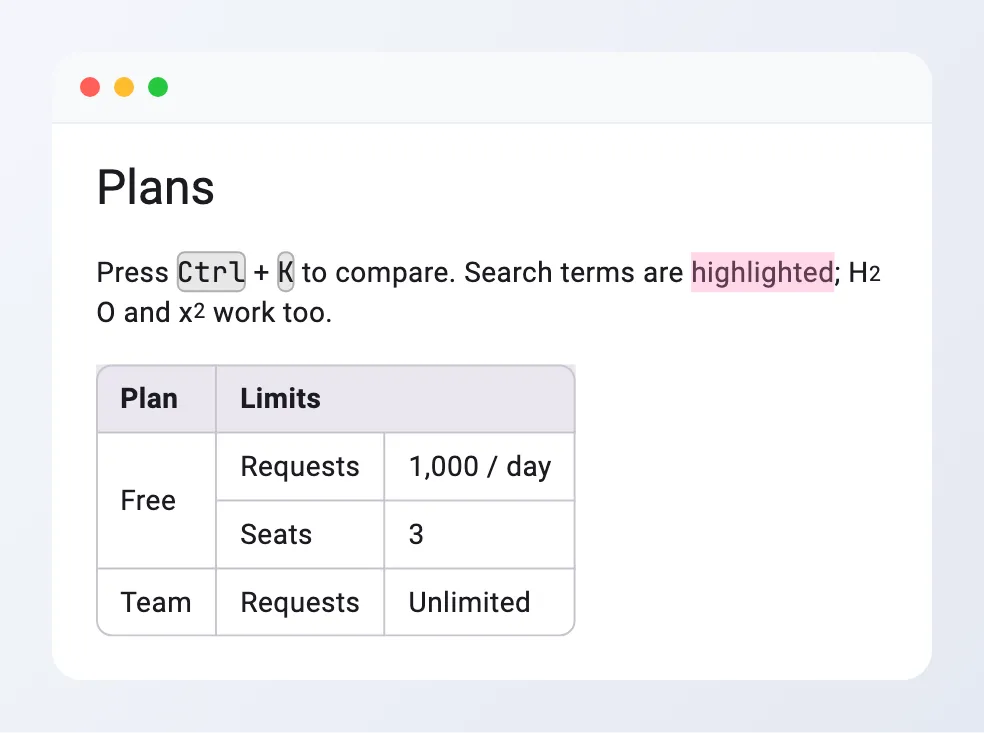
Maths has its own page. Each image is one GptMarkdown widget,
rendered by the package’s screenshot generator (tool/screenshots/).
The rules that decide what stays text
Section titled “The rules that decide what stays text”The parser passes 530 of the 652 CommonMark 0.31.2 spec examples; the rest are raw HTML and indented code blocks, which are not supported, and three leniencies for model output. See CommonMark conformance.
A few rules follow CommonMark and are worth knowing, because they decide what stays plain text:
- An underscore inside a word is never emphasis:
snake_case_namestays as written. Outside a word it is, so an unquoted__init__renders as boldinit— put identifiers in backticks. *or_followed by a space opens nothing, so2 * 3 * 4is arithmetic.- With
useDollarSignsForLatex, maths comes first: a$pairs with the next$on its line, and the pair is maths unless both dollars are prices —$5 and $10,$5M to $10M,5$ and 10$stay prose.$ x $,$2 + 3$and$1 \theta $2aare maths. A$with no partner on its line is prose, and dollars inside code are never maths. Write\$for a dollar that must stay text, such as a price on the same line as a formula. ---directly under a line of text makes that line a heading. Leave a blank line before---for a horizontal rule.- Only a list starting at
1.can begin inside a paragraph, so prose that wraps onto a line starting14.stays prose. A line directly after a list item continues that item; leave a blank line to end the list. **is lenient —**Note:**textis bold — but a single*is not:a*"b"*stays as written.- Footnotes render where their definitions are written, numbered in the order they are first referenced, as on GitHub. A definition nothing refers to is not shown.
Code highlighting
Section titled “Code highlighting”Fenced code is highlighted automatically when it carries a language tag:
```dartfinal greeting = 'Hello';```Unknown or omitted languages remain readable as plain code. See code-block customization.