
Horizontal rule
A line across the reply.
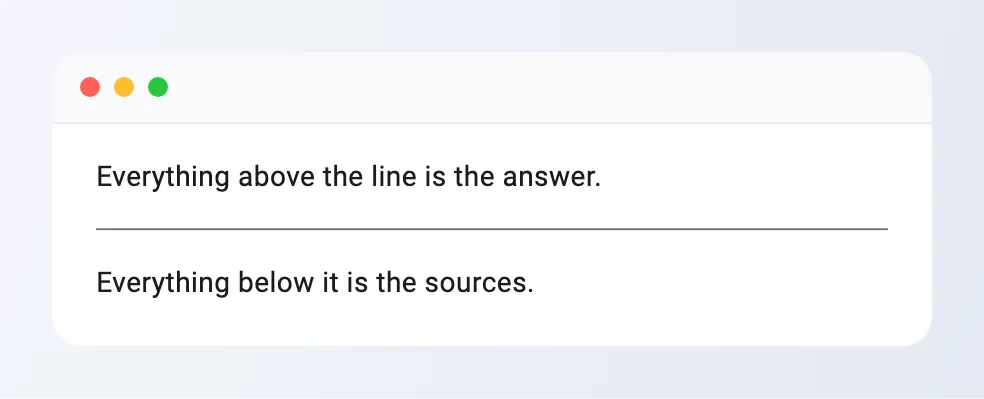
Everything above the line is the answer.
---
Everything below it is the sources.
Syntax
Section titled “Syntax”--- on a line of its own, with a blank line before it. Directly under a line
of text, --- makes that line a heading instead.
<hr> on its own line works too.
Styling
Section titled “Styling”styleSheet: const GptMarkdownStyleSheet( hr: HrStyle( thickness: 2, color: Color(0x1F000000), padding: EdgeInsets.symmetric(vertical: 16), ),),A dotted rule:
GptMarkdown( text, hrBuilder: (context, style) => const Padding( padding: EdgeInsets.symmetric(vertical: 12), child: DottedLine(), ),)API reference
Section titled “API reference”HrStyle
Section titled “HrStyle”How a horizontal rule is drawn.
Set it as GptMarkdownStyleSheet(hr: HrStyle(…)) on the widget, or in GptMarkdownThemeData for the whole app. Every field is optional; an unset one falls back to the theme, then to the default.
| Field | Type | Description |
|---|---|---|
thickness |
double? |
Line thickness. Defaults to the theme’s hrLineThickness. |
color |
Color? |
Line colour. Defaults to the theme’s hrLineColor. |
padding |
EdgeInsetsGeometry? |
Space around the line. Defaults to hrLinePadding. |
| Member | Type | Description |
|---|---|---|
merge(HrStyle? other) |
HrStyle |
This style, with any unset field taken from other, field by field. |
resolve(ColorScheme scheme) |
HrStyle |
This style with every remaining default filled in. |
copyWith({…}) |
HrStyle |
A copy with the given fields replaced. |
static lerp(HrStyle? a, HrStyle? b, double t) |
HrStyle? |
Linearly interpolates between two styles. |
resolve: more
Falls back to the hrLine* fields on GptMarkdownThemeData, which remain
the app-wide way to set them.
hrBuilder
Section titled “hrBuilder”Replaces the horizontal rule.
typedef HrBuilder = Widget Function(BuildContext context, HrStyle style);