
Image
Images from Markdown or HTML, including SVG and data: URLs.
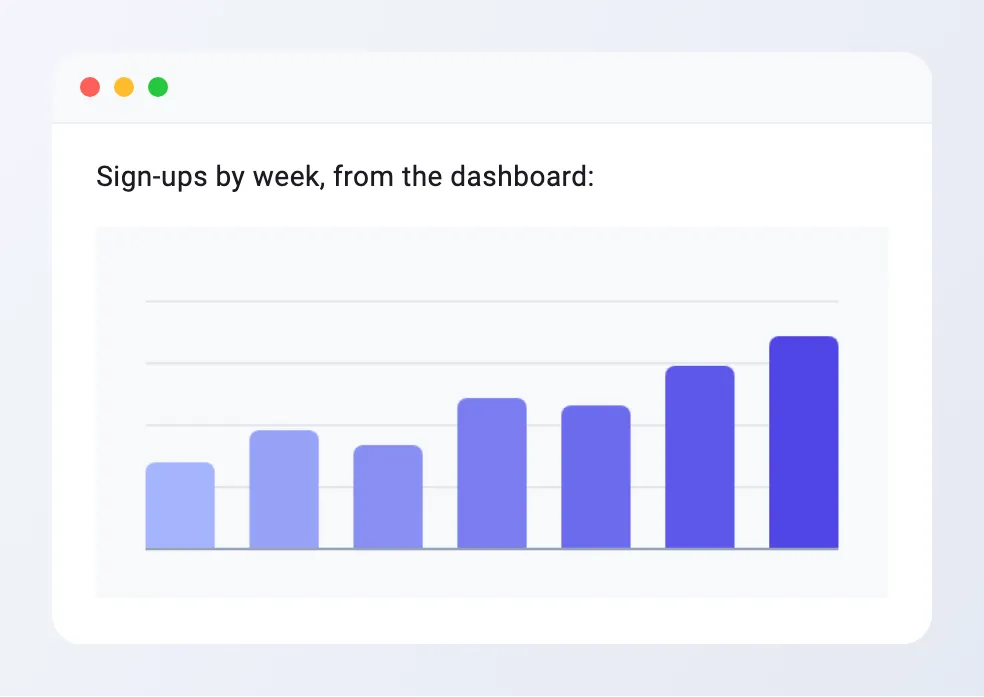
Sign-ups by week, from the dashboard:
Syntax
Section titled “Syntax”, ![alt][ref], <img src="…" width="…">, and an image as a
link’s label, [](url). PNG, JPEG, GIF, WebP and SVG load from
http(s) and from data: URLs.
A tap calls onImageTap with the URL — except an image that is a link’s
label, which follows the link through onLinkTap.
The preview’s chart is served to the widget under the URL in the Markdown, so it shows exactly what the default image renders.
Styling
Section titled “Styling”styleSheet: const GptMarkdownStyleSheet( image: ImageStyle( borderRadius: Radius.circular(8), padding: EdgeInsets.symmetric(vertical: 8), maxHeight: 320, ),),Cached network images, with a placeholder and error state:
GptMarkdown( text, imageBuilder: (context, url, width, height) => CachedNetworkImage( imageUrl: url, width: width, height: height, placeholder: (context, _) => const SizedBox( height: 120, child: Center(child: CircularProgressIndicator()), ), errorWidget: (context, _, __) => const Icon(Icons.broken_image), ), onImageTap: (url) => openLightbox(url),)width and height come from the alt text when written as WxH.
Inline images. A data: URL works wherever a network URL does:
The default image widget decodes it — base64 or percent-encoded — and keeps the decoded bytes, so a streaming reply that rebuilds constantly does not decode or flicker again. Data that does not decode, or is not an image, shows the broken-image icon. A large image is decoded on the UI thread the first time it appears, which is fine at chart and screenshot sizes.
SVG. An SVG renders like any other image: a .svg URL or a
data:image/svg+xml URL directly, and an image whose URL says nothing — a
README badge such as https://img.shields.io/pub/v/gpt_markdown — when it
arrives and turns out not to be a bitmap. Each SVG is downloaded once and kept,
so a streaming reply does not fetch it again. A download that fails, or a
response that is not an SVG, shows the broken-image icon. Two gaps in
flutter_svg are worked around first, both hit by every shields.io badge: text
inside a uniformly scaled group is rewritten to its real size (it would be ten
times too large), and an SVG embedded in an <image> — a badge’s logo — is
inlined (it would be dropped; only bitmaps are drawn there). Unsized, an SVG keeps
its own proportions (BoxFit.contain); ImageStyle.fit overrides that.
An imageBuilder receives the data: URL as written. CachedNetworkImage
and other network loaders cannot open one, so a builder that uses them should
hand data: URLs to Image.memory(UriData.parse(url).contentAsBytes()).
API reference
Section titled “API reference”ImageStyle
Section titled “ImageStyle”How an image is drawn.
Set it as GptMarkdownStyleSheet(image: ImageStyle(…)) on the widget, or in GptMarkdownThemeData for the whole app. Every field is optional; an unset one falls back to the theme, then to the default.
| Field | Type | Description |
|---|---|---|
borderRadius |
Radius? |
Corner rounding. Defaults to square. |
padding |
EdgeInsetsGeometry? |
Space around the image. Defaults to none. |
fit |
BoxFit? |
How the image fills its box. Defaults to the widget default. |
maxWidth |
double? |
Upper bound on width. Defaults to unbounded. |
maxHeight |
double? |
Upper bound on height. Defaults to unbounded. |
| Member | Type | Description |
|---|---|---|
merge(ImageStyle? other) |
ImageStyle |
This style, with any unset field taken from other, field by field. |
resolve(ColorScheme scheme) |
ImageStyle |
This style with every remaining default filled in. |
copyWith({…}) |
ImageStyle |
A copy with the given fields replaced. |
static lerp(ImageStyle? a, ImageStyle? b, double t) |
ImageStyle? |
Linearly interpolates between two styles. |
imageBuilder
Section titled “imageBuilder”The image builder.
typedef ImageBuilder = Widget Function( BuildContext context, String imageUrl, double? width, double? height,);onImageTap
Section titled “onImageTap”Called with the image URL when an image is tapped.
An image that is a link’s label — [](url) — follows the
link instead, through onLinkTap with the link’s URL and the alt text.
Without an onLinkTap it falls back to this.
void Function(String url)? onImageTap