
Built for model output
Markdown, LaTeX, code, tables, alerts, citations, images, task lists and HTML in one reply — and unfinished syntax mid-stream renders what exists so far.
The Flutter renderer for AI output — Markdown, LaTeX, code, tables and links in one widget, fast while the reply streams.
GptMarkdown(reply)One widget renders everything a model writes — rich Markdown, inline and block LaTeX, syntax-highlighted code, tables, GitHub alerts, citations, images and HTML. While the reply generates, rebuild it with the text received so far: the segments that have settled are reused, and only the live tail is rendered again.
flutter pub add gpt_markdownThen follow Getting started.
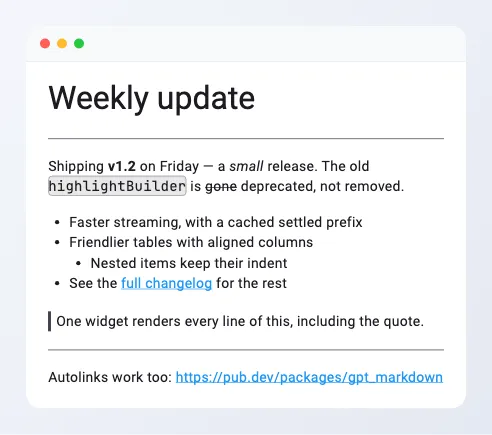
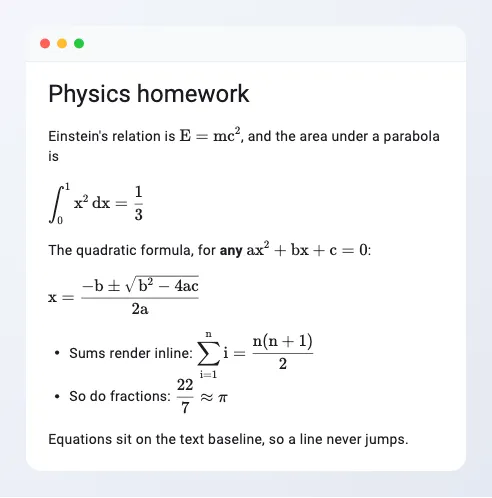
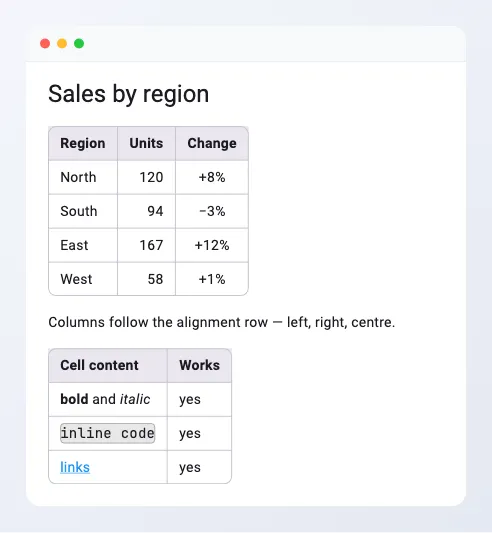
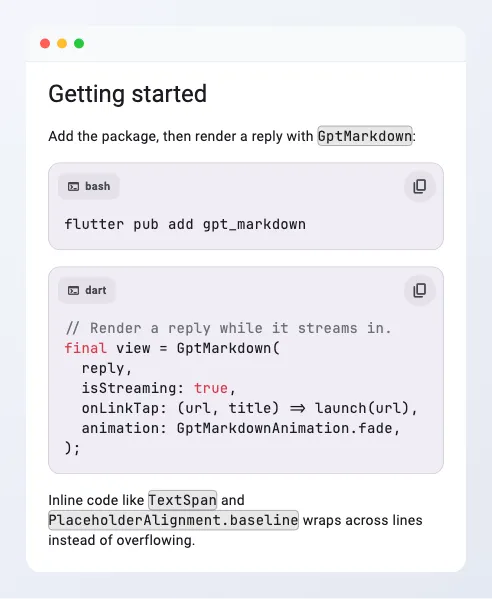
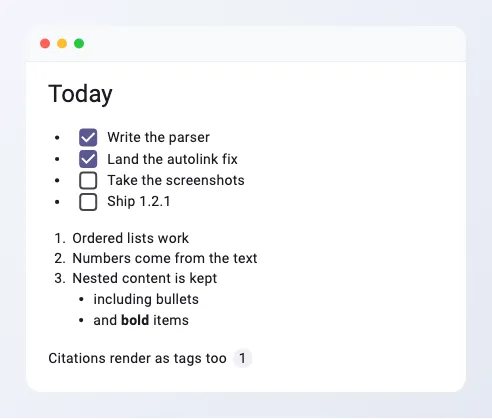
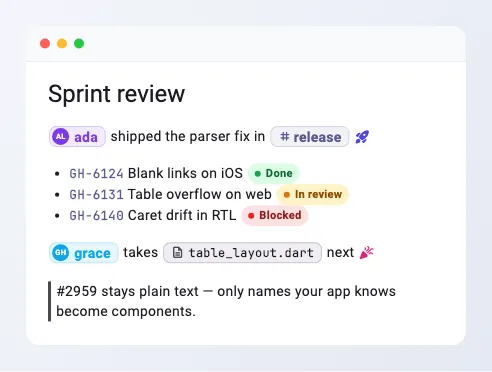
Each image is one GptMarkdown widget in a light Material 3 theme, rendered by
the package’s screenshot generator (tool/screenshots/). The only styling is
softer table borders and compact checkboxes; the inline components in the last
one are builders the app supplies.
Built for model output
Markdown, LaTeX, code, tables, alerts, citations, images, task lists and HTML in one reply — and unfinished syntax mid-stream renders what exists so far.
Fast while it streams
At 12 KB, each update is 31× faster than in 1.2.1, or 74× with the lazy sliver. See the benchmarks.
Yours to style
A style object for every component, app-wide theming with
GptMarkdownThemeData, and builders when you need a different widget.
Extensible
@mentions, #channels, :emoji: and your own block syntax, without
forking the renderer.
It handles the cases real apps hit: right-to-left text, text scaling, selection, malformed Markdown, autolinks, reduced motion, Flutter web and WASM. 530 of the 652 CommonMark 0.31.2 spec examples pass on every CI run — see CommonMark conformance for the rest.
Two ways to change what you see, and they never overlap:
| Use it for | Example | |
|---|---|---|
| Style object | Appearance — colours, sizes, padding, fonts | BlockQuoteStyle(barWidth: 4) |
| Builder | Structure — replace the widget entirely | blockQuoteBuilder: … |
Every component supports both.
WidgetSpan nested inside another placeholder does not paint on iOS.
The default link is text, so this only bites when the link itself is a
widget — the deprecated linkBuilder, or an inlineLinkBuilder returning
details.asWidgetSpan(...). InlinePattern already excludes link labels; a
MarkdownComponent subclass has to declare scopes to opt out. See
inline syntax.find.text rarely finds Markdown text — prose renders as spans inside
one paragraph widget. It does reach content that renders as its own widget,
such as a code block. See testing.The code samples in these guides are mirrored in test/docs/snippets_test.dart,
which the test suite compiles. Numbers quoted as measurements come from recorded
runs — the tests in test/, or the benchmark harness the performance pages
describe.