
Code that reads, in pure Dart.
A syntax highlighter for 55 languages that runs anywhere Dart does — and Flutter widgets to show code, and to edit it, with the colours following every keystroke.
- val_highlight_flutter · 30 days
- 60.8K
- val_highlight · 30 days
- 59.5K
- Languages
- 55
- Built-in themes
- 8
From pub.dev, 2026-11-13. Downloads count installs, not people. Languages and themes are counted from the engine's own registry.
Colours that keep up with typing.
CodeField is a real Flutter text field that re-highlights on every keystroke. After an edit, only the lines it can affect are scanned again.
- Line numbers, the current line and the matching bracket.
- Or colour any TextField: a search box, a query input.
8 themes. Or your VS Code theme.
Light, dark and high-contrast themes are built in, and a VS Code colour theme file reads in as one.
- One CodeTheme sets them app-wide.
- Or build your own from scopes.
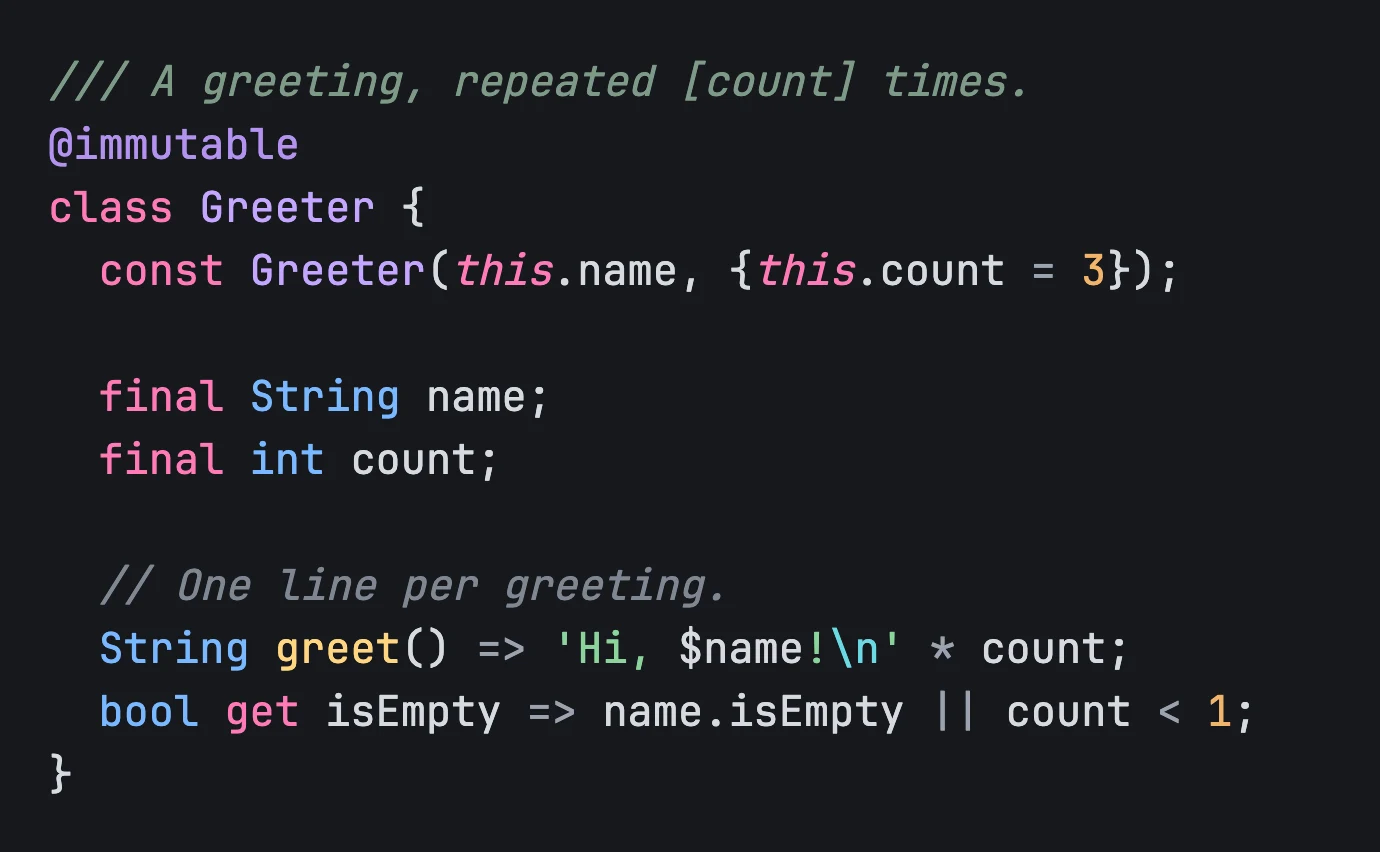
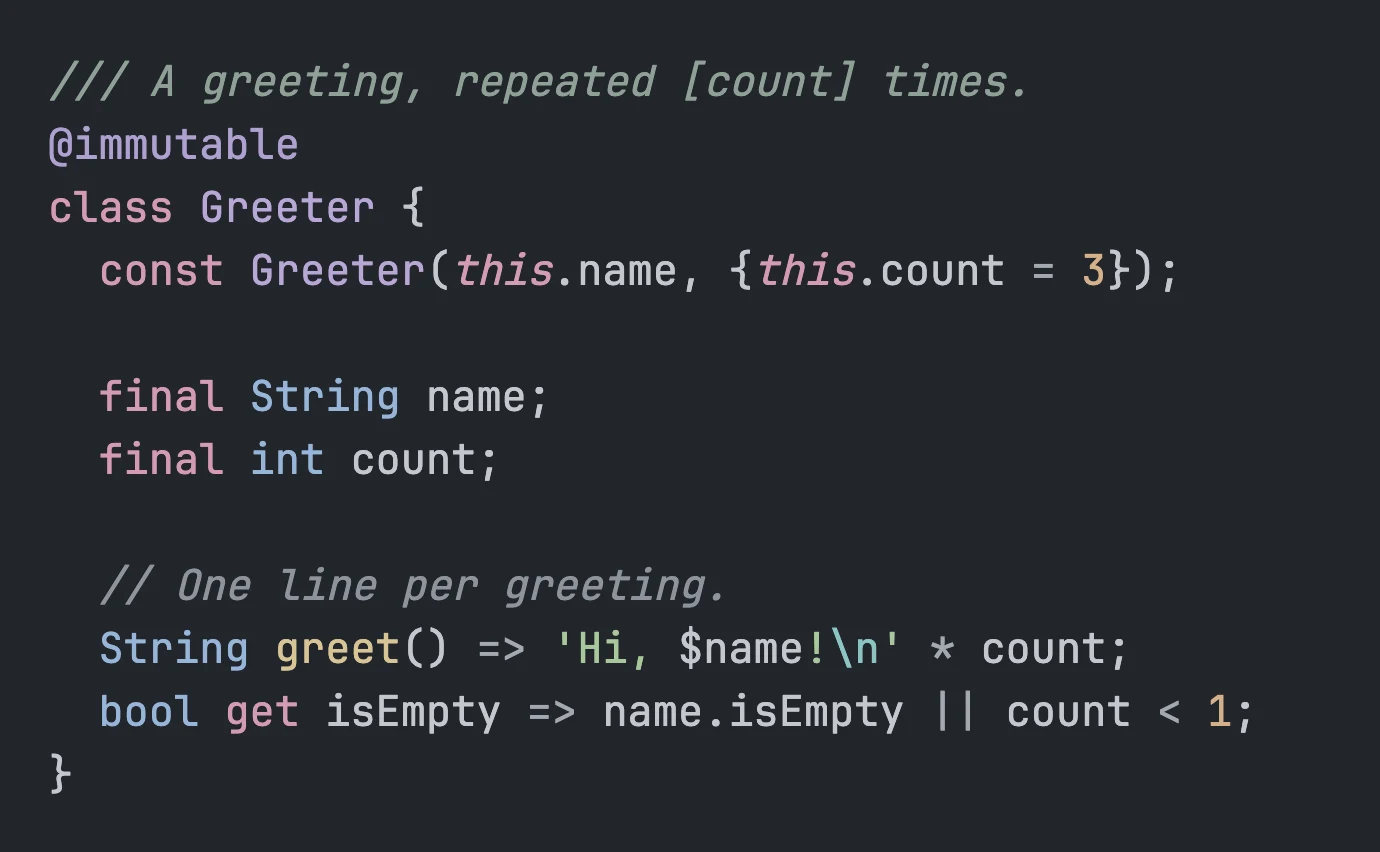
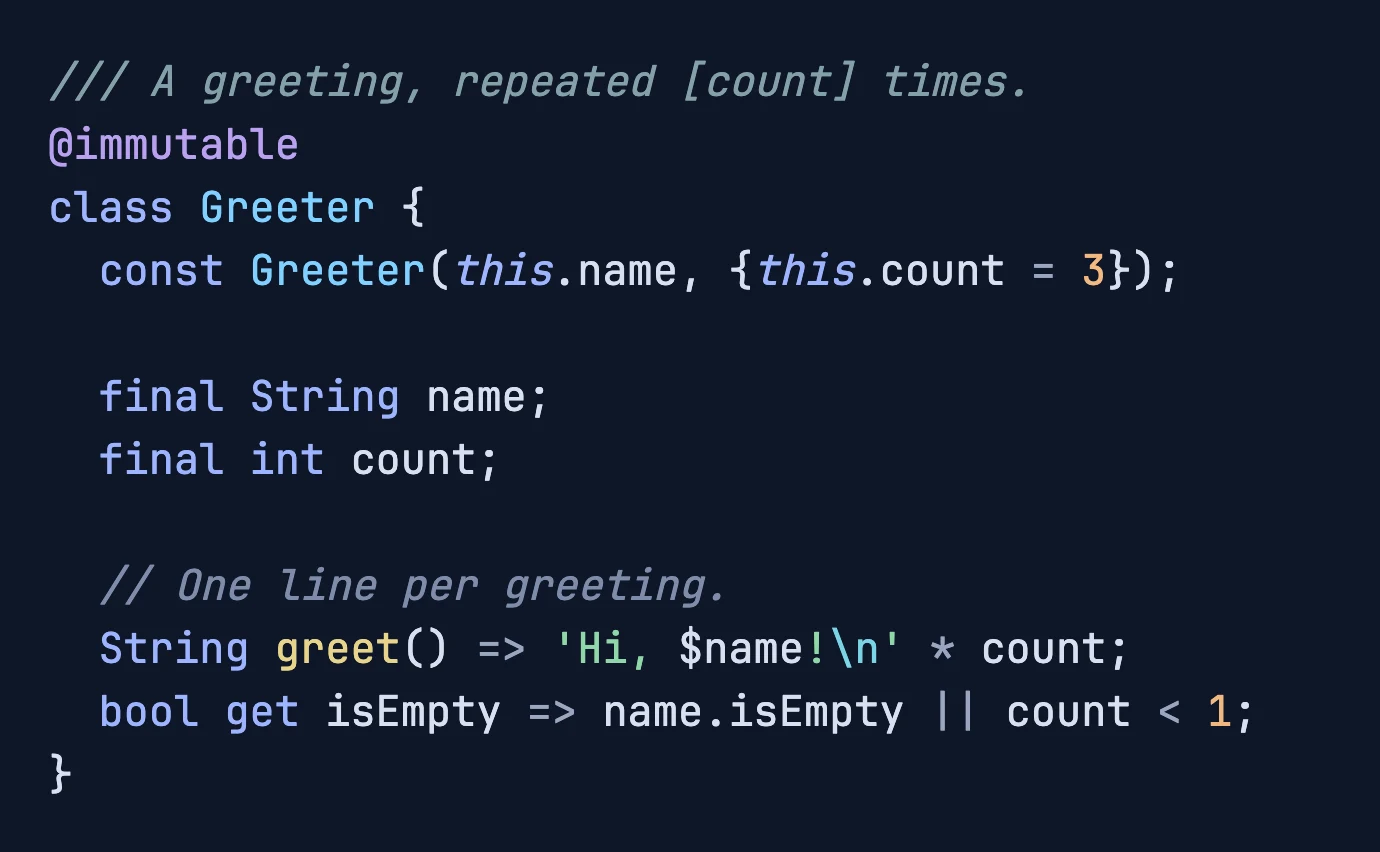
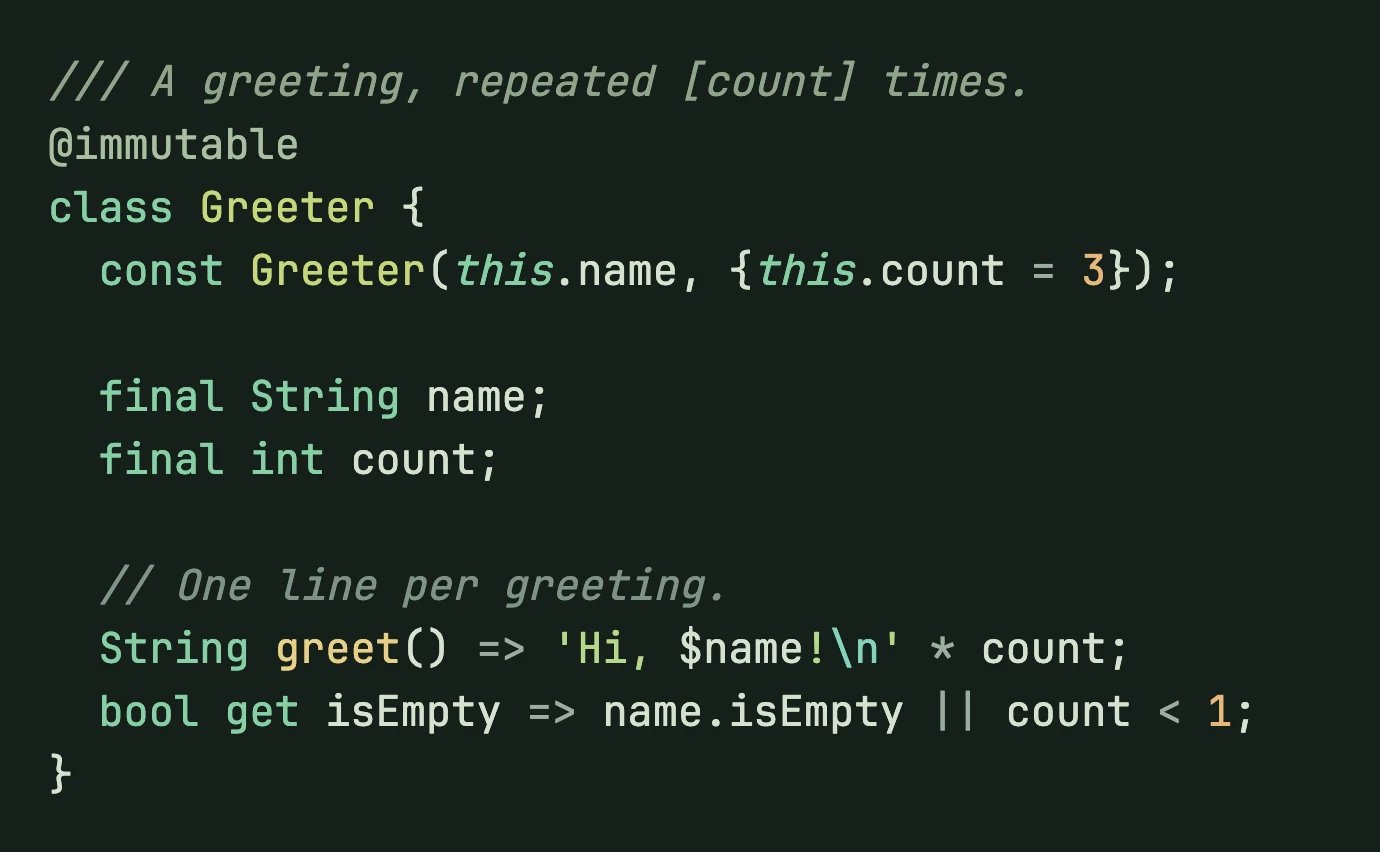
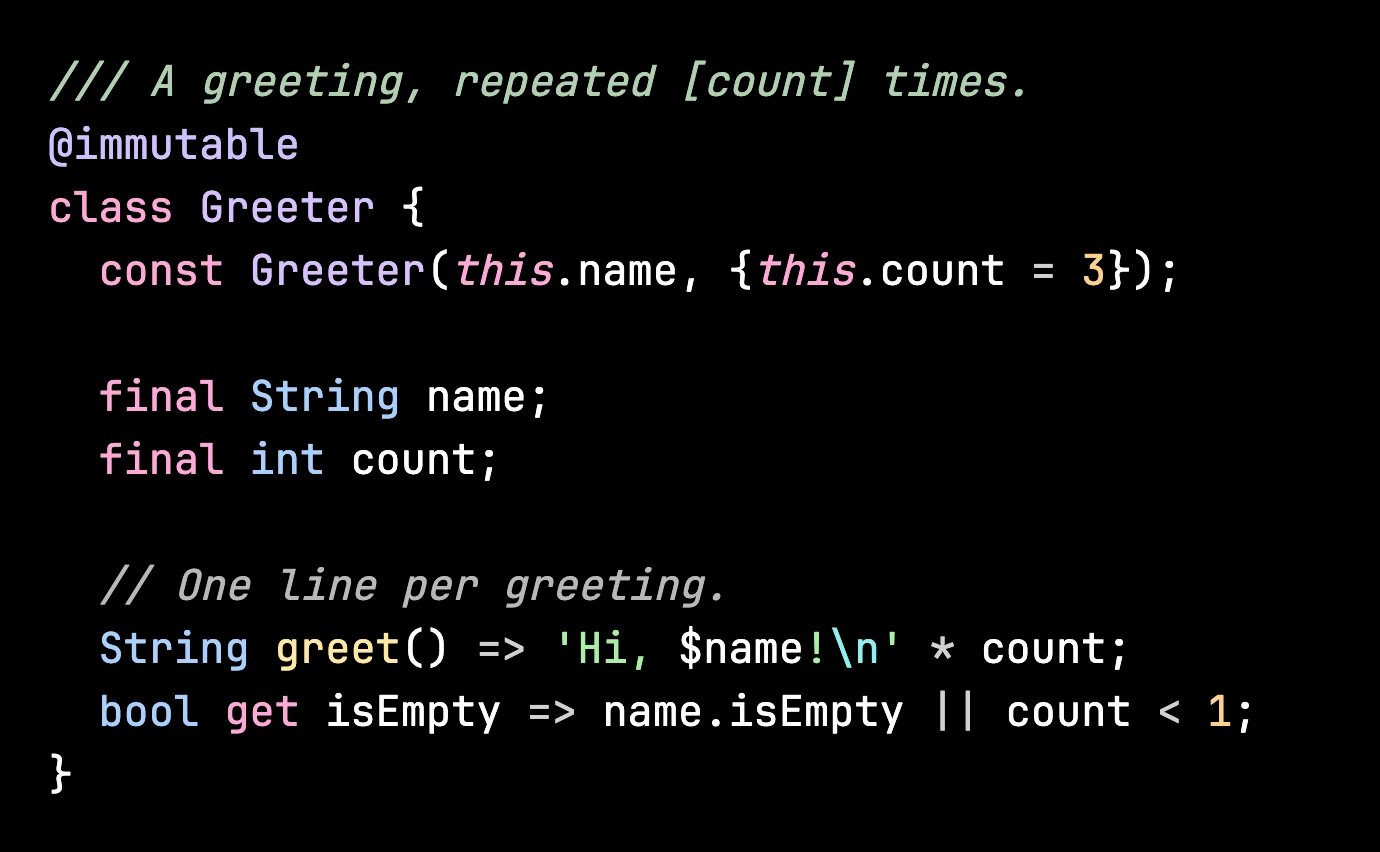
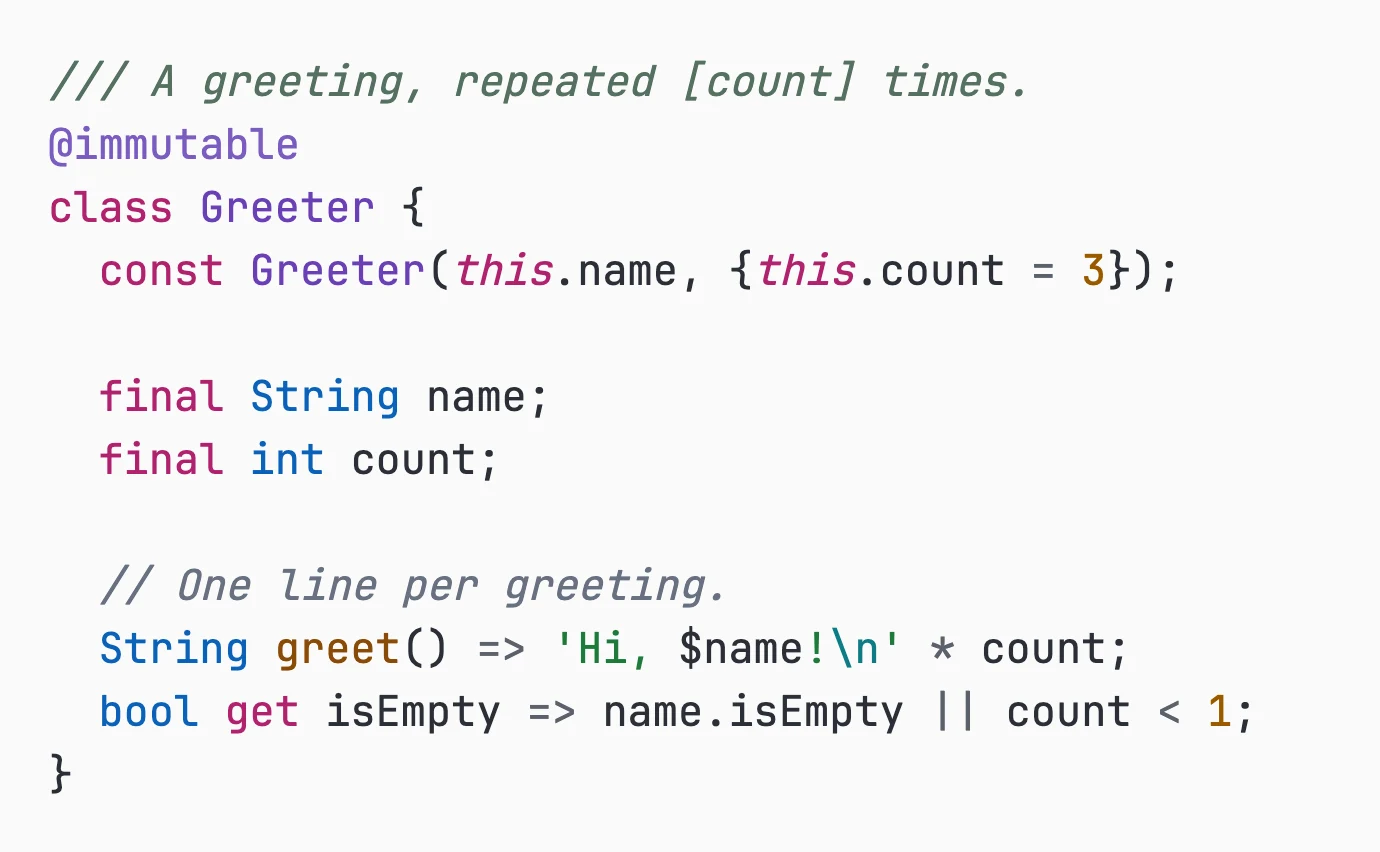
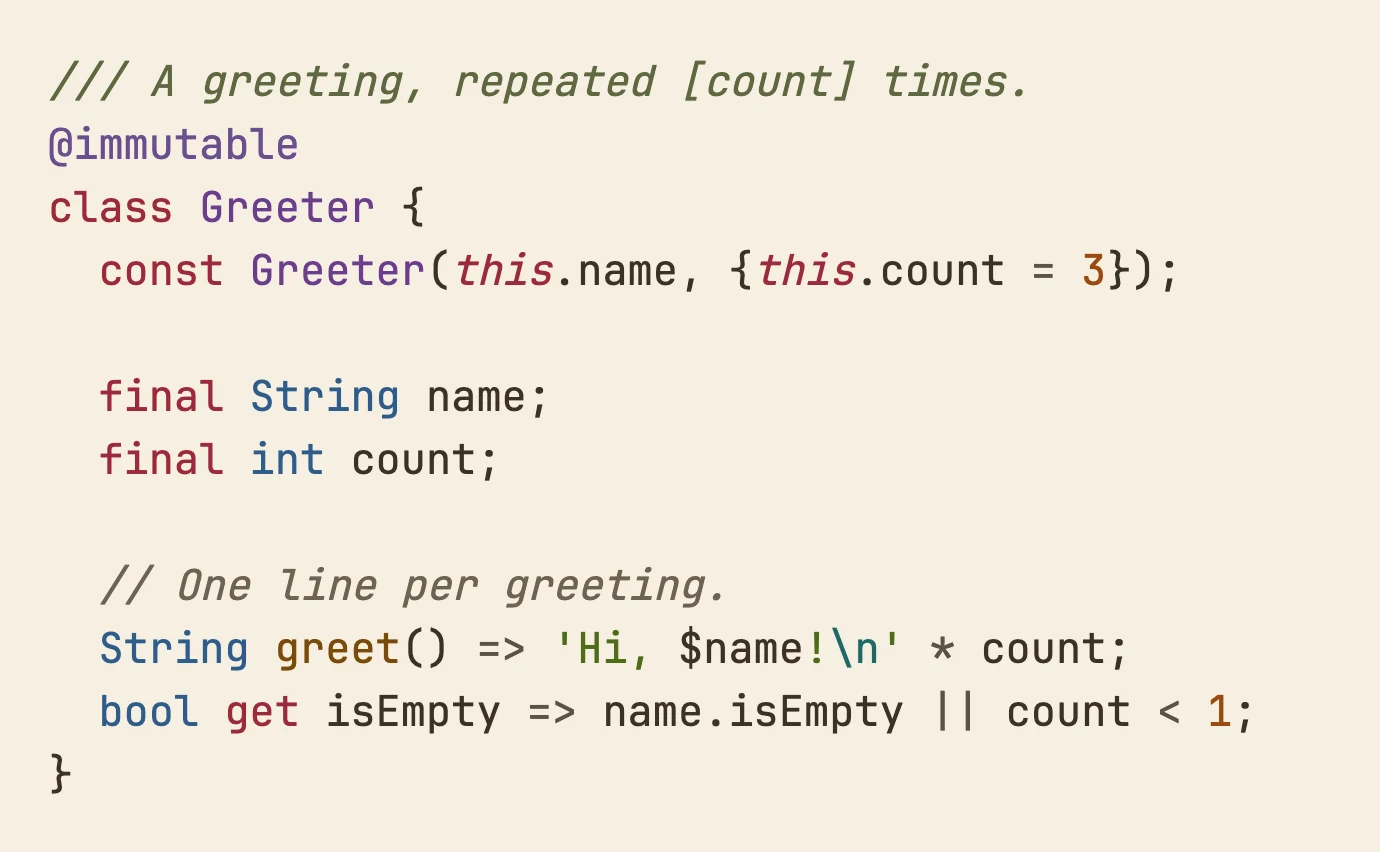
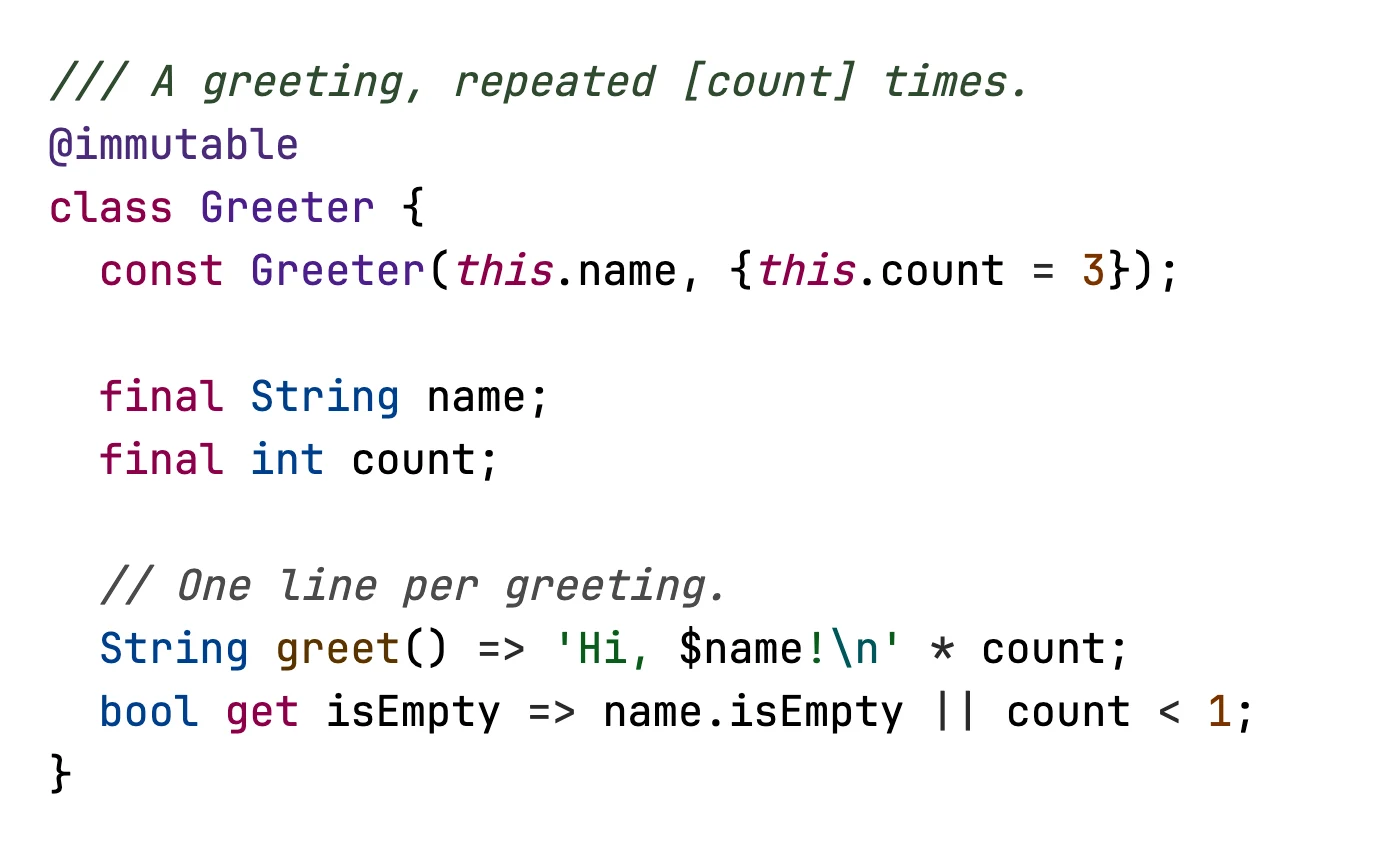
55 languages, one import each.
Each language is its own import, so an app ships only the grammars it needs. Hover one to see the names and file extensions it answers to.
- bash
- batch
- c
- clojure
- cmake
- cpp
- csharp
- css
- dart
- diff
- dockerfile
- elixir
- erlang
- fsharp
- go
- graphql
- groovy
- haskell
- hcl
- html
- ini
- java
- javascript
- json
- jsx
- julia
- kotlin
- latex
- less
- lua
- makefile
- markdown
- nasm
- nginx
- objectivec
- ocaml
- perl
- php
- powershell
- protobuf
- python
- r
- ruby
- rust
- scala
- scss
- solidity
- sql
- swift
- toml
- tsx
- typescript
- xml
- yaml
- zig
Show it, edit it, make it yours.
CodeView to show code, CodeField to edit it, a controller for any TextField, and spans for your own widgets. Pick one to see the code and what it draws.
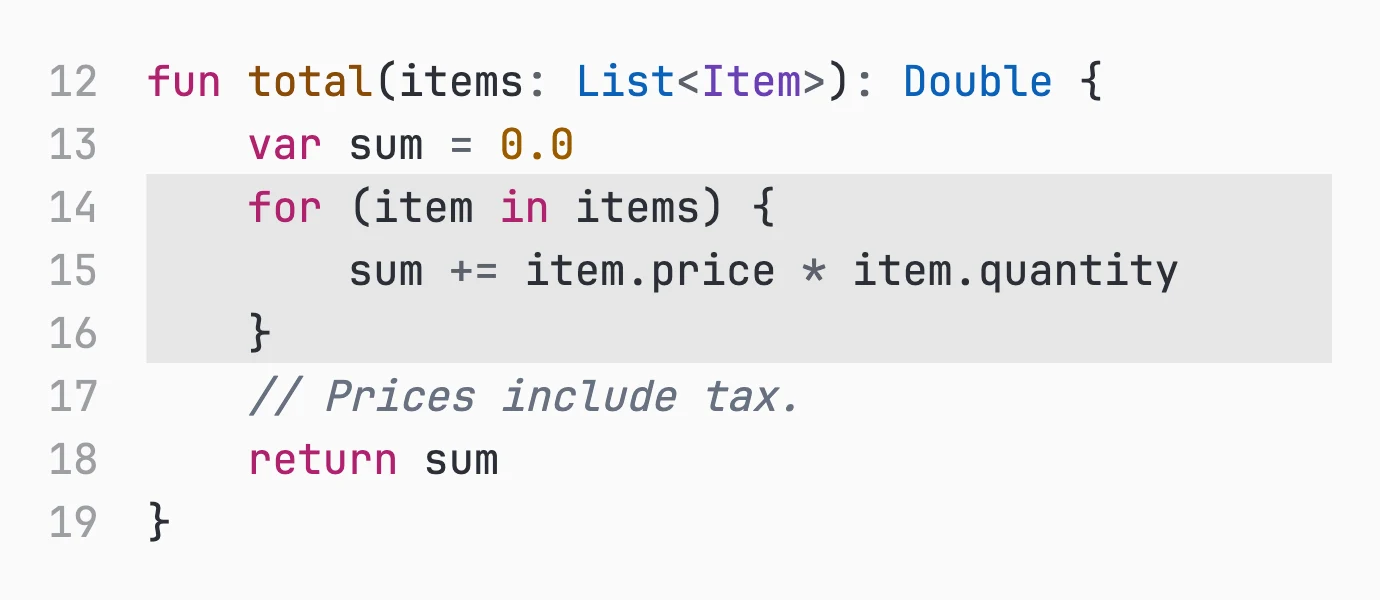
Each render is made from the code beside it.
Flutter widgets, and the Dart engine under them.
The widgets: CodeView to show code, CodeField to edit it, a controller for any TextField, and spans for your own widgets.
$ flutter pub add val_highlight_flutterThe engine: languages, themes, incremental updates, detection and highlighted HTML. On servers, in tools and compiled to JavaScript.
$ dart pub add val_highlightA Flutter app adds both: the widgets, and the languages and themes, which are imported from val_highlight.
The output above was produced by running this code when the page was built.
HTML outputWhat comes next
Text is the first step. Ask below: the same answer becomes an interface, then a live scene.
- 01 · FreeThis page
Output Rendering
Markdown, math and code that render while the answer streams.
- 02 · Early accessNext step
Generative UI
Your team designs the components. The model fills them in. Your app draws them.
- 03 · Private beta
Live Scenes
The answer as a narrated scene that people can steer and act on.
Asked
first.
The short version for teams choosing a highlighter.
Make code readable.
Start with one widget; the docs cover the widgets, the themes and the full API.